
I’ve worked on 50+ WordPress websites, and after all that I found:
Most site owners install one SEO plugin and think the job is done.
It isn’t.
A good WordPress SEO setup usually needs a mix of tools for:
- on-page SEO
- schema
- redirects
- internal links
- broken links
- image optimization
- analytics
- performance
Top WordPress SEO Plugins
| Plugin | Best For | Why It Stands Out |
| AIOSEO | Best all-around WordPress SEO plugin | Broad feature set with on-page SEO, schema, local SEO, internal links, and revisions |
| Rank Math | Best for feature-heavy SEO workflows | Strong free feature set, Content AI, and internal link support |
| Yoast SEO | Best for simple, familiar SEO publishing | Real-time guidance, schema, snippet editing, and built-in AI |
| SEOPress | Best value all-in-one SEO plugin | Titles, metas, redirects, schema, sitemaps, analytics, and AI support |
| The SEO Framework | Best lightweight plugin for professionals | Fast, automated, unbranded, and developer-friendly |
| Slim SEO | Best minimalist SEO plugin | Lightweight with low setup effort |
| Squirrly SEO | Best AI-led SEO coaching plugin | AI-assisted recommendations and ranking workflows |
| Redirection | Best redirect manager | Easy 301 redirects and 404 monitoring |
| Link Whisper | Best internal linking plugin | AI-powered link suggestions and orphan page help |
| Broken Link Checker | Best for broken link cleanup | Scans links and helps fix issues from one dashboard |
| Schema Pro | Best schema plugin | Easier schema markup control across site sections |
| MonsterInsights | Best analytics plugin for SEO reporting | Brings Google Analytics data into WordPress |
| Imagify | Best image optimization plugin | Compression plus WebP/AVIF support for faster pages |
1. AIOSEO
Best All-Around WordPress SEO Plugin
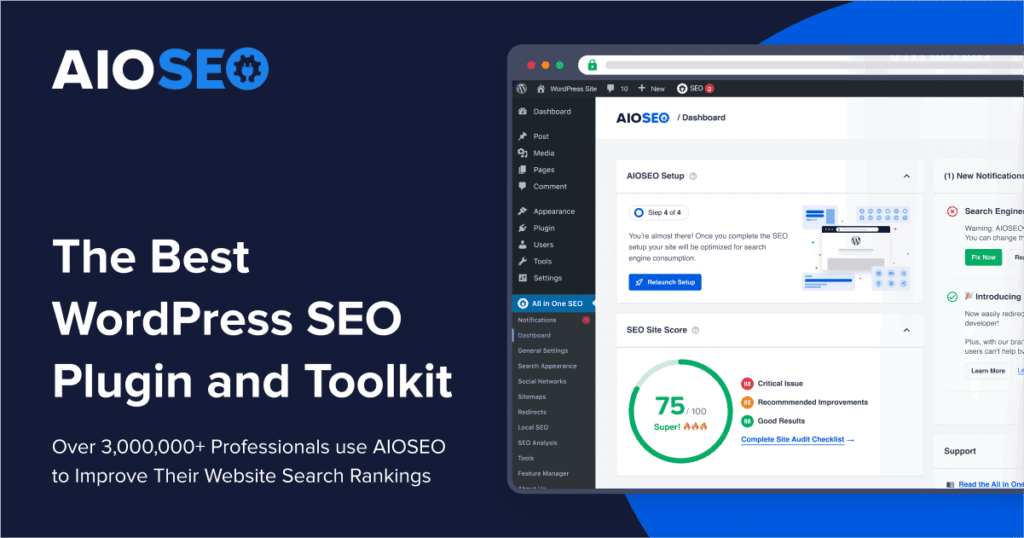
If I had to recommend one plugin for most WordPress site owners, AIOSEO would be near the top.
The AIOSEO plugin includes on-page SEO settings, schema markup, XML sitemaps, local SEO, rank tracking, internal linking automation, SEO audits, author SEO for E-E-A-T, SEO revisions, and Google Search Console connection. More than 3 million site owners use it.
That is a big feature set.
Best for businesses, agencies, bloggers, local sites, WooCommerce sites
I personally use this plugin on all my wordpress websites because it covers more of the full SEO workflow than most plugins do.
But, if you only want a very light plugin, this may feel bigger than you need.
2. Rank Math
Best for Feature-Heavy SEO Workflows
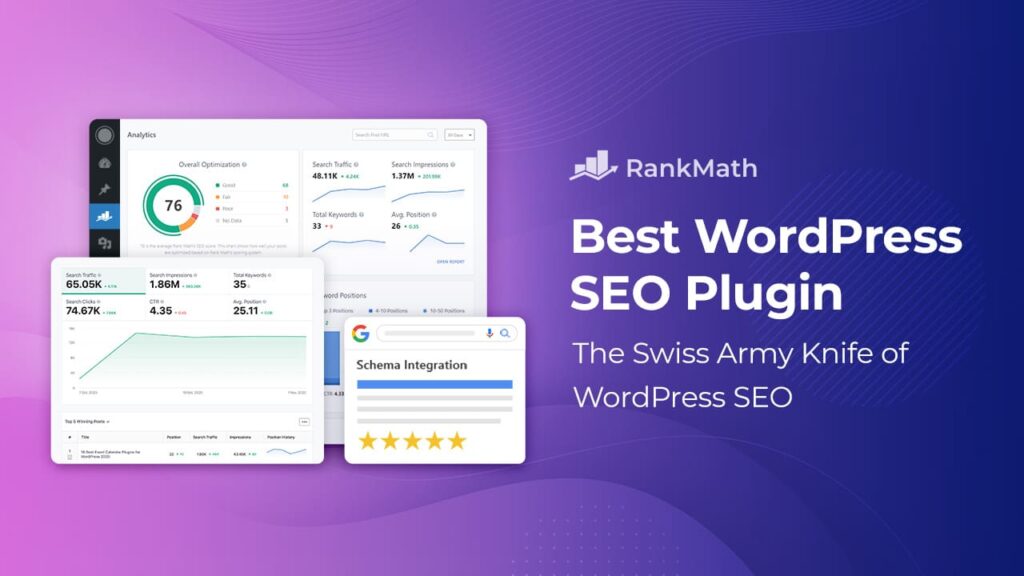
Rank Math is one of the strongest options if you want a lot of SEO capability inside WordPress.
This plugin helps users rank higher, offers advanced features like Content AI, and includes strong editor-side optimization support. Most SEOs like this plugin because of its deep Elementor integration.
I’ve found Rank Math especially attractive for users who want:
- more built-in features
- stronger AI support
- tighter page builder integration
- fewer extra plugins for basic SEO tasks
Best for advanced WordPress users, agencies, content-heavy sites
It has strong feature depth, solid AI support, and good value for users who want more control.
3. Yoast SEO
Best for Simple, Familiar SEO Publishing
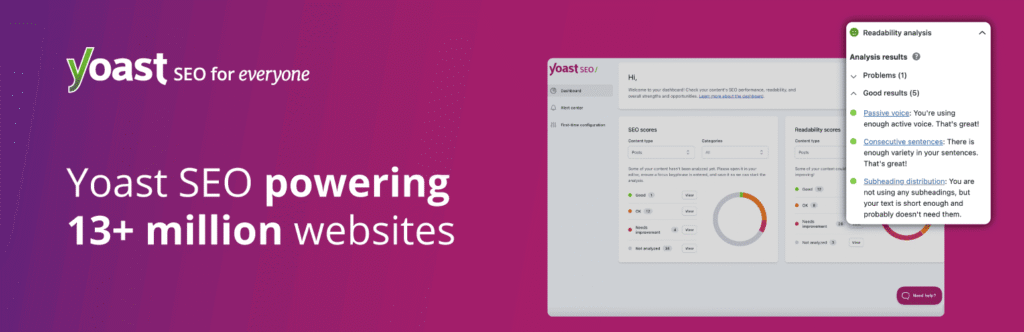
Yoast is still one of the most widely recognized WordPress SEO plugins for a reason.
It offers real-time feedback, schema, clear guidance, and built-in AI. Many old SEO experts prefer it because of its Google Docs integration and support options.
Yoast remains a good fit when you want:
- straightforward SEO guidance
- snippet previews
- a familiar interface
- easier editorial publishing workflows
Best for bloggers, business sites, editorial teams
I think it is very practical and easy to use for beginners. But, compared with plugins like Rank Math or AIOSEO, some users may feel it is less feature-packed.
4. SEOPress
Best Value All-in-One SEO Plugin
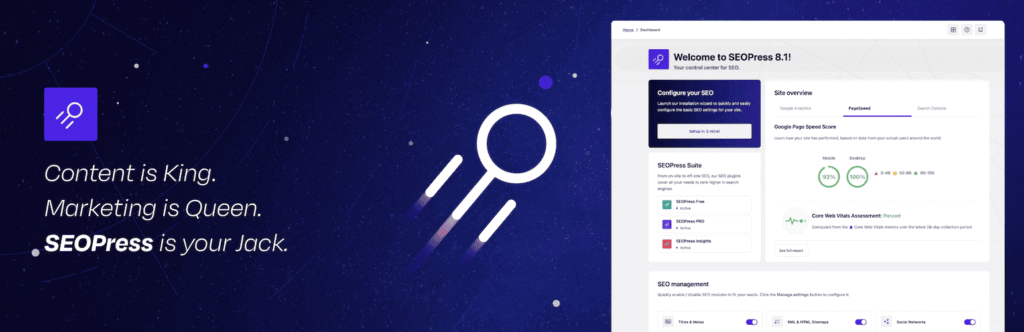
SEOPress deserves more attention than it usually gets.
This plugin includes SEO metadata, social tags, XML and HTML sitemaps, Google Analytics or Matomo integration, content analysis, WooCommerce SEO, Local SEO, schemas, redirects, 404 monitoring, site audit, and AI support. It is a simple, fast, all-in-one SEO plugin.
That makes SEOPress a strong option if you want:
- solid SEO coverage
- white-label potential
- fewer upsells inside the UI
- better value for agencies or freelancers
Best for freelancers, agencies, site owners who want strong value
In my opinion, it has a very good set of features as compared to its popularity in wordpress plugins among site owners or beginner level SEOs.
5. The SEO Framework
Best Lightweight Plugin for Professionals

It is one of the better choices if you want a fast, cleaner, less cluttered WordPress SEO plugin.
The SEO Framework is the fastest feature-complete SEO plugin for professional WordPress websites, emphasizing speed, security, automation, and an unbranded experience.
Best for developers, performance-focused sites, users who dislike bloated interfaces
Recently I used this plugin on one of my client websites for a strong automation feature. But, it is not as beginner-friendly as Yoast or Rank Math.
6. Slim SEO
Best Minimalist SEO Plugin

Slim SEO takes a very different approach from plugins that throw endless settings at you.
It is a full-featured SEO plugin that is lightweight, blazing fast, and built around minimum configuration. On this plugin, users or beginners should need very little effort to set things up.
That makes it attractive for people who want:
- basic SEO done with less friction
- fewer settings
- a faster setup
- a leaner site stack
Best for beginners, smaller sites, people who want less manual setup
I like it because of its low maintenance and less cluttered UI. But, it is not the best fit for users who want deep manual control.
7. Squirrly SEO
Best AI-Led SEO Coaching Plugin
Squirrly SEO is different from the traditional plugin model.
It is an AI-powered SEO plugin that uses multiple types of AI and is built for entrepreneurs, bloggers, eCommerce stores, and marketers who want help improving rankings.
Squirrly feels more like:
- an SEO assistant
- a coaching layer
- an AI-led workflow tool
rather than only a metadata plugin.
Best for users who want more guided SEO help inside WordPress
This plugin can be considered because of its strong coaching angle and AI-driven recommendations. But, it is not the cleanest fit for people who just want a quiet plugin that stays out of the way.
8. Redirection
Best Redirect Manager
Redirection is one of the easiest SEO-support plugins to justify on WordPress.
It helps users manage 301 redirections, track 404 errors, and clean up site issues that can reduce errors and improve rankings. It is designed for sites ranging from a few redirects to thousands.
That makes it useful when you:
- change URLs
- clean up old content
- migrate sections of a site
- monitor broken routes
Best for nearly any established WordPress site
It is simple, useful, and free. But, it is not a full SEO plugin, so it works best as part of a larger setup.
9. Link Whisper
Best Internal Linking Plugin

Internal links are one of the most neglected parts of WordPress SEO.
Link Whisper is an AI-powered internal linking plugin that helps build internal links faster, find linking opportunities, and improve SEO automatically. Also it can build large numbers of internal links quickly and help find orphan pages and broken links.
I like it because internal linking becomes messy once a site grows.
Best for content-heavy blogs, niche sites, agencies, publishers
It saves time and improves internal link structure at scale. But, smaller sites with only a handful of pages may not need a dedicated plugin for auto internal linking.
10. Broken Link Checker
Best for Broken Link Cleanup
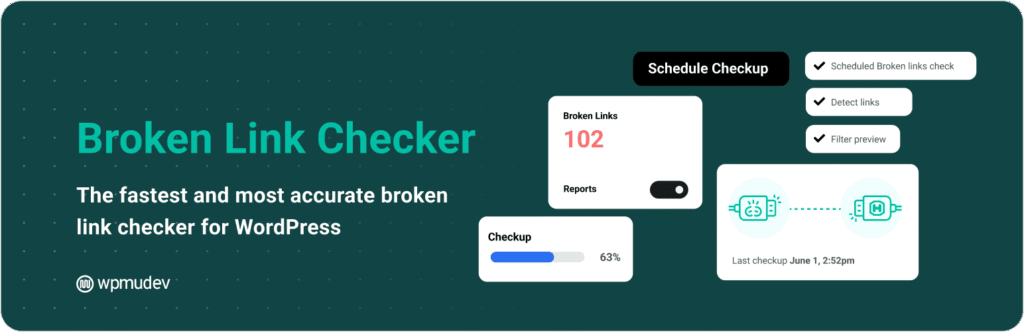
Broken links quietly hurt user experience and waste crawl value.
It helps users catch broken links and images, scan content, and bulk-fix issues from one dashboard. Most SEO experts and bloggers use this tool for multisite, large content websites, and agency use.
Best for older blogs, content-rich sites, agency site maintenance
It is very popular nowadays because it solves a very real SEO problem that almost everyone faces.
11. Schema Pro
Best Schema Plugin

If you need more control over structured data than your main SEO plugin gives you, Schema Pro is worth a look.
It lets users control schema across an entire website, choose where schema appears, and map content fields like title, featured image, author, and date.
That makes it practical for:
- business sites
- publishers
- service pages
- WooCommerce stores
- sites that need richer schema control
Best for websites that need extra schema flexibility
But, many all-in-one SEO plugins already include schema basics, so not every site needs a separate schema plugin.
12. MonsterInsights
Best Analytics Plugin for SEO Reporting
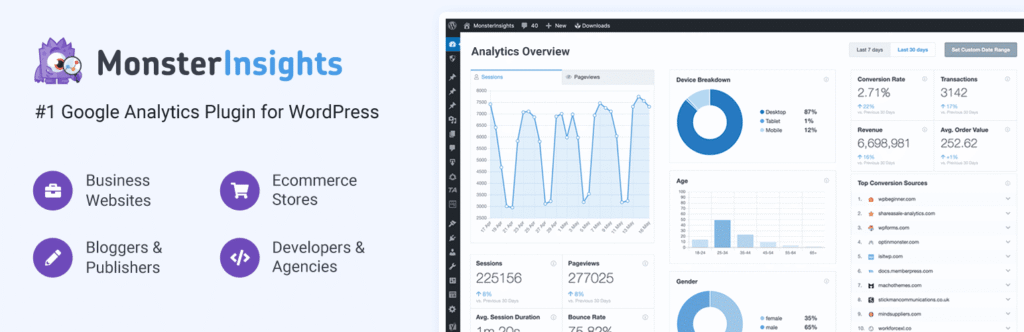
MonsterInsights is not a traditional SEO plugin, but I still consider it part of a smart WordPress SEO stack.
It is the most popular Google Analytics plugin for WordPress, with over 3 million active installs, and it helps users understand how visitors find and use the site.
That matters because SEO is not only about rankings.
It is also about:
- traffic quality
- landing page performance
- conversions
- user behavior after the click
Best for business owners, marketers, agencies, site managers
But, it is not an optimization plugin by itself.
13. Imagify
Best Image Optimization Plugin for SEO Performance

Images are one of the biggest hidden SEO problems on WordPress sites.
Imagify helps optimize WordPress images quickly, compress images, convert them to WebP and AVIF, resize them, and improve image performance. It offers one-click optimization and supports WebP and AVIF conversion.
So, this can be a must have plugin on your website because heavy images can slow down pages, and slower pages usually hurt user experience.
Best for blogs, WooCommerce stores, portfolio sites, image-heavy websites
I like its simple image optimization with modern format support. But, if your host or performance stack already handles image optimization well, this may overlap with existing tools.
My Honest Advice
If I were setting up a practical WordPress SEO stack today, I would not install all plugins.
I’d usually do this instead:
- one all-in-one SEO plugin: AIOSEO
- one image optimization plugin if images are slowing the site down: Imagify
- the Broken Link Checker if you have a large website which may have broken links
- one analytics plugin if the client needs simpler reporting inside WordPress: MonsterInsights
That is the smarter setup.
Because too many plugins installed on a WordPress website can cause speed issues, viruses in the website, and many other problems. So always try to keep minimum plugins on your website so it can take less load to perform.
